How Azure Can Help Kids Improve Pronunciation and Speaking

Why Pronunciation Practice Matters for Kids
Pronunciation is a big part of language development. When children learn to say words clearly, they become easier to understand, more confident in conversations, and more willing to participate in class. Strong speaking skills also support reading, listening, and overall communication.
For many children, however, pronunciation practice can feel repetitive or intimidating. Some may worry about making mistakes, while others need more frequent feedback than adults can realistically provide throughout the day. This is where technology can become a helpful learning partner.
What Is Azure?
Microsoft Azure is a cloud platform that includes powerful speech and language tools. In education, these tools can be used to create interactive speaking activities that listen to a child’s voice, respond in real time, and provide helpful feedback. For online learning platforms like EiFO Academy, Azure can support engaging language experiences that feel both personalized and encouraging.
Rather than replacing teachers, Azure-based tools can give children more chances to practice between lessons and help educators better understand where support is needed most.
How Azure Supports Pronunciation and Speaking
1. Real-Time Speech Recognition
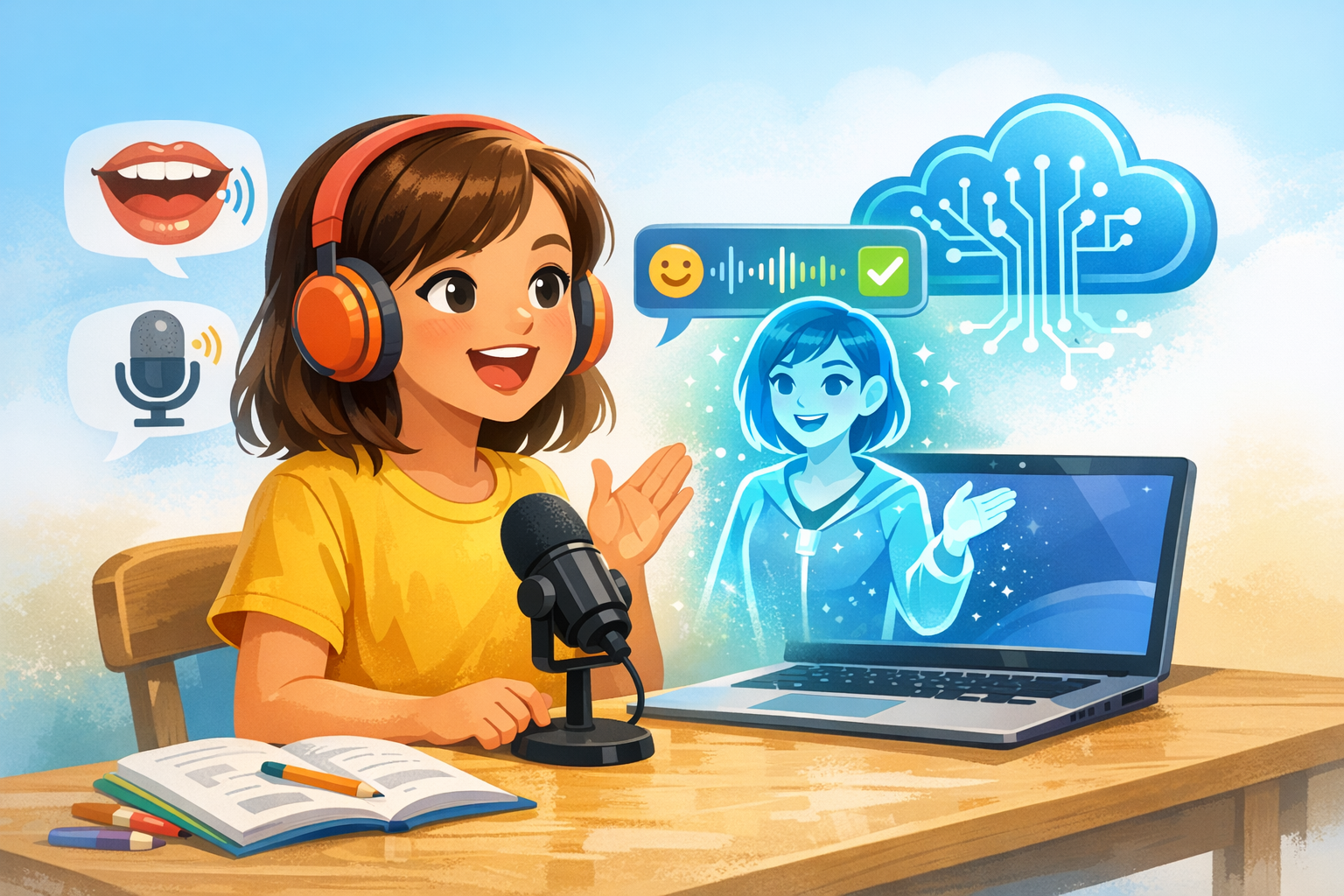
Azure Speech services can convert spoken words into text. This allows children to see whether the system understood what they said. If a word is not recognized correctly, it may signal that the child needs to adjust pronunciation, pace, or clarity.
This kind of immediate response is especially useful because children do not have to wait until the end of a lesson for feedback. They can try again right away and notice improvement through repetition.
2. Pronunciation Assessment
One of Azure’s most valuable features for language learning is pronunciation assessment. This can evaluate elements such as accuracy, fluency, and completeness. Instead of receiving only a simple “right” or “wrong,” children can get more detailed guidance on how clearly they are speaking.
For example, a speaking activity might ask a child to read a sentence aloud. The system can then identify which words were spoken well and which may need another try. This makes practice more targeted and meaningful.
3. Support for Confidence Building
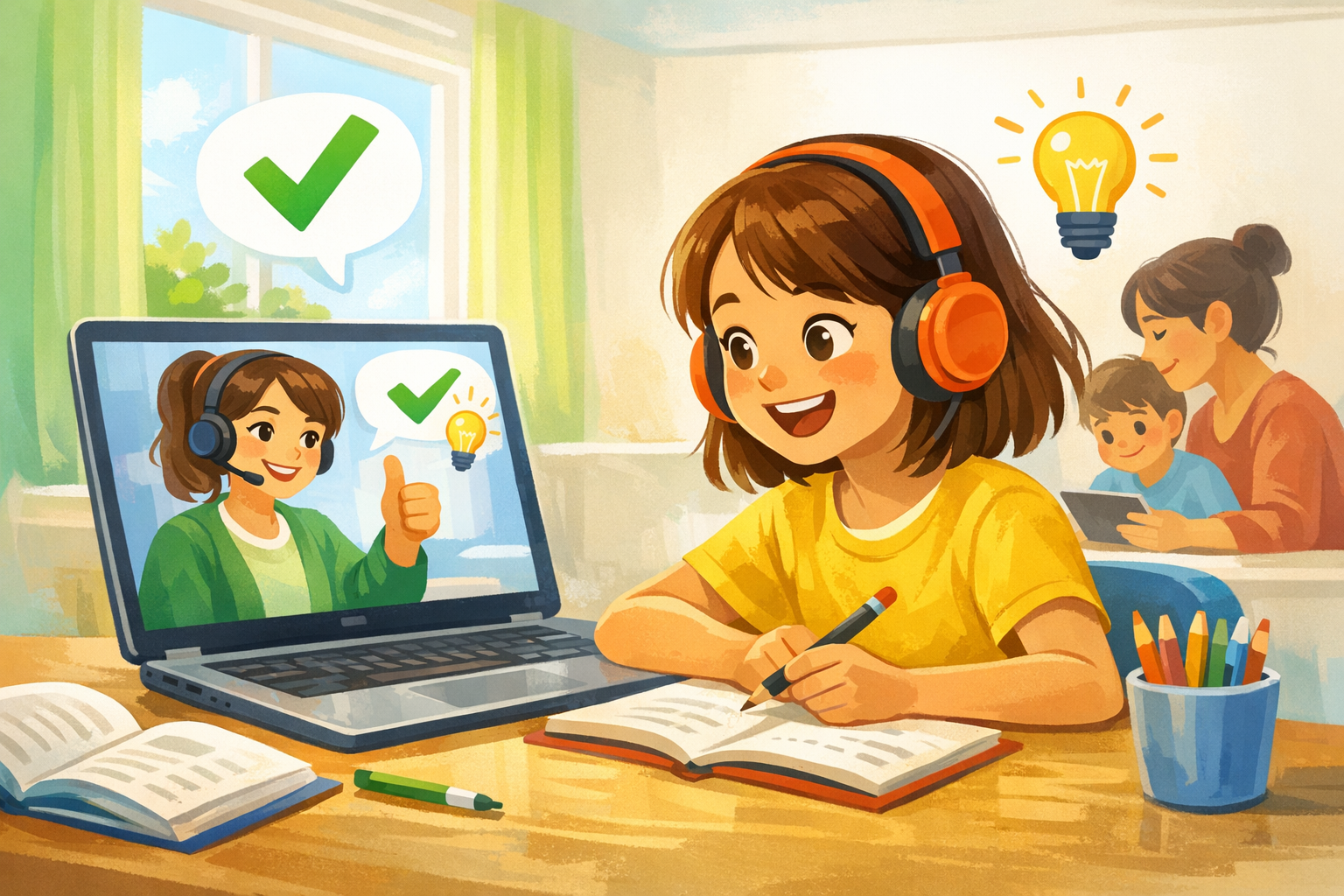
Many children are more comfortable practicing aloud when they can do it in a low-pressure environment. Azure-powered speaking activities can allow students to repeat words and sentences privately before sharing with classmates or teachers. This extra practice can reduce anxiety and help children feel more prepared.
Confidence often grows when children can hear themselves improve over time. Small wins, such as saying a difficult word more clearly after several tries, can motivate them to keep going.
4. Interactive Learning Experiences
Azure can help make speaking practice more engaging through voice-enabled quizzes, reading exercises, and conversation simulations. Instead of passively listening, children can respond out loud, answer questions, and practice using new vocabulary in context.
This active participation is important because speaking is a skill that improves through use. The more opportunities children have to speak in meaningful situations, the stronger their communication habits become.
Benefits for Teachers and Parents
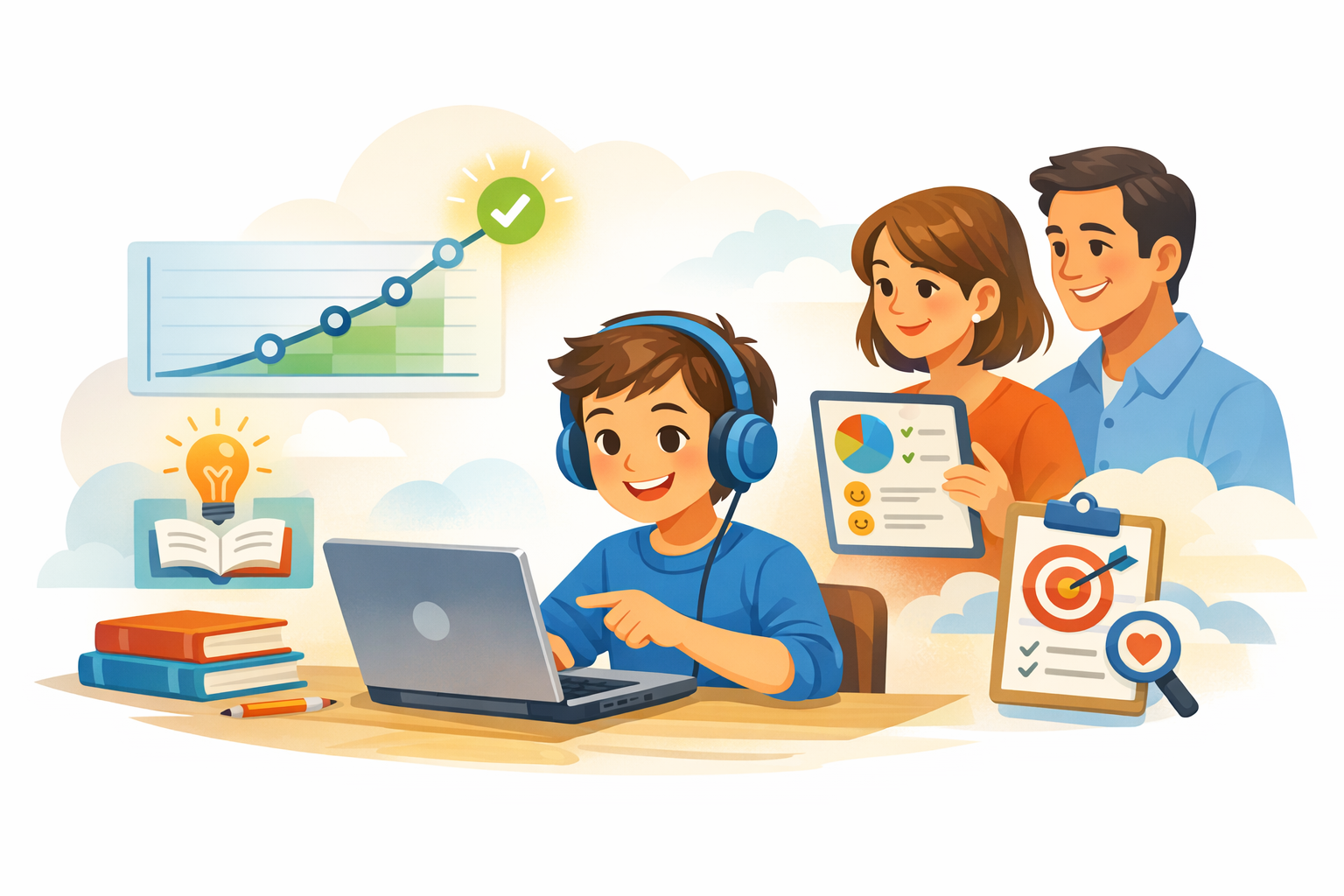
Azure-based pronunciation tools are not only helpful for students. They can also make support easier for adults.
More practice opportunities: Children can practice outside live lessons without needing constant one-to-one supervision.
Better insight: Teachers can spot which sounds, words, or speaking habits need attention.
Personalized learning: Activities can be adjusted based on age, level, and individual goals.
Consistent feedback: Children receive frequent responses, which helps reinforce learning.
When used thoughtfully, technology can strengthen the connection between home learning and classroom teaching.
Important Things to Remember
While Azure offers exciting possibilities, the best results happen when technology is combined with human support. Children still benefit greatly from teacher modeling, parent encouragement, and real conversations with others. Speech tools are most effective when they are part of a balanced learning approach.
It is also important to keep activities age-appropriate, positive, and easy to use. Young learners respond best when practice feels like encouragement rather than correction.
The Future of Speaking Practice for Kids
As online education continues to grow, tools like Azure can help make speaking practice more accessible, interactive, and personalized. Children can receive immediate feedback, repeat activities at their own pace, and build confidence in a safe environment.
For EiFO Academy, this creates exciting opportunities to support clearer pronunciation and stronger speaking skills in ways that are both educational and engaging. With the right balance of technology and teacher guidance, kids can enjoy a richer path toward becoming confident communicators.
At EiFO Academy, we believe every child deserves the chance to speak with confidence. With thoughtful use of tools like Azure, online learning can offer children more practice, more support, and more reasons to find their voice.